


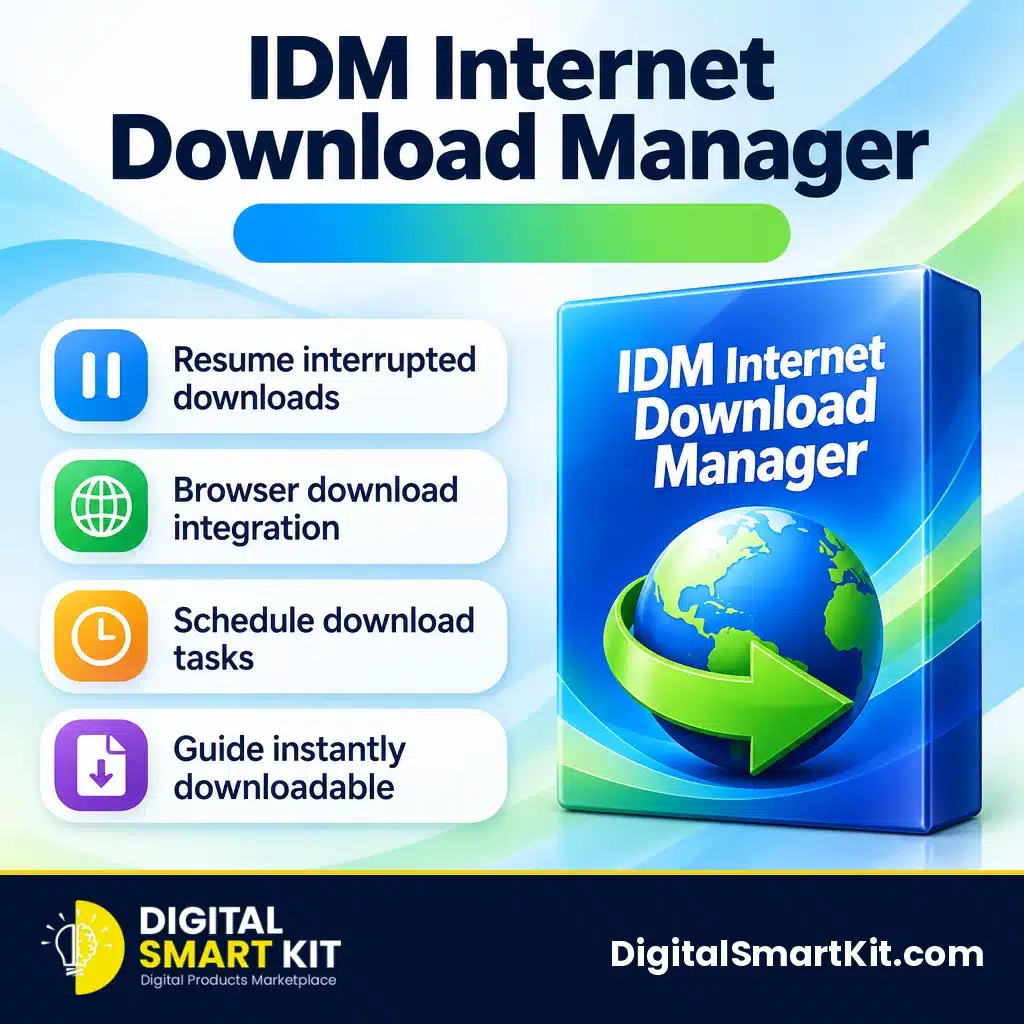
Description
IDM Internet Download Manager is a Windows download manager from Tonec. It helps organise downloads and can resume supported transfers that are interrupted by a lost connection, computer shutdown or other interruption. You can use it to manage files from your browser, organise download queues and schedule transfers.
IDM also integrates with supported browsers so downloads can be sent to the manager as you browse. Its connection and file-segmentation features are designed to make better use of available bandwidth. The software gives you a central place to monitor download progress, pause or resume transfers, and sort files into categories.
This listing is for IDM Internet Download Manager for Windows. It includes a PDF installation and activation guide for download after payment, with the licence key and official IDM download link sent separately to the order email.
What is included
- PDF installation and activation guide, available to download right after payment.
- Licence key and official IDM download link, sent separately to the order email.
Key features
- Resume interrupted downloads: Continue supported downloads after a connection interruption or computer shutdown, rather than restarting the transfer from the beginning.
- Dynamic file segmentation: IDM divides downloads into segments and downloads them concurrently. This helps use available connection capacity efficiently.
- Browser integration: IDM can integrate with supported web browsers and take over downloads initiated while browsing. This brings transfer controls into one download manager.
- Download queues: Add files to queues and manage them together. Queues make it easier to organise a series of downloads instead of starting and tracking each one separately.
- Download scheduling: Schedule downloads to begin or run at a chosen time. This is useful when you want transfers to take place later or in an organised sequence.
- Download categories: Sort downloaded files by category, such as documents, programs or compressed files. Categories help keep the download list easier to browse.
- Progress controls: View transfer progress and use controls to pause, resume or stop downloads. This makes it easier to manage active transfers from one interface.
- Video downloading: IDM can detect downloadable video on supported websites and offer a download option. Availability depends on the website and its content.
Who it is for
- People downloading large files: Resume support can help when a transfer is interrupted.
- Frequent web downloaders: Browser integration and a central download list help manage transfers from everyday browsing.
- Users managing several files: Queues and categories provide ways to group and organise downloads.
- People who prefer planned transfers: Scheduling helps organise when download tasks run.
System requirements
| Operating system | Windows 11 or Windows 10 |
|---|---|
| Other needs | Internet connection for downloading files and using browser integration |
How to get started
- Complete your purchase.
- Download the PDF installation and activation guide, available right after payment.
- Check the order email for the separately sent licence key and official IDM download link.
- Download IDM using the official link and install it on your Windows computer.
- Follow the guide to complete activation, then use IDM to manage your downloads.
How it is delivered
The setup guide is available as an instant download after payment. The licence key and official download link are sent separately to the order email.
Support
Digital Smart Kit support can help with download, installation and activation questions through the Support page.
Frequently asked questions
What does IDM Internet Download Manager do?
IDM manages file downloads on Windows. It can organise transfers, integrate with supported browsers, schedule download tasks and resume supported interrupted downloads.
Can IDM resume an interrupted transfer?
Yes. IDM can resume supported downloads after interruptions, such as a lost internet connection or computer shutdown. Whether a transfer can resume may depend on the server hosting the file.
Can I use IDM to download videos?
IDM can detect downloadable video on supported websites and offer a download option. The feature is not available for every site or video.
Which Windows versions are listed for this product?
The system requirements for this listing specify Windows 10 or Windows 11.
How do I receive the installation guide and download link?
The PDF installation and activation guide is available to download right after payment. The licence key and official IDM download link are sent separately to the order email.
Where do I get help with installation or activation?
Digital Smart Kit support can help with download, installation and activation questions through the Support page.


Reviews
There are no reviews yet.