

Description
Office LTSC Professional Plus 2024 is the newest one-time-purchase edition of Microsoft Office for Windows. “LTSC” stands for Long-Term Servicing Channel: Microsoft built it for organizations that want a fixed, stable set of apps that does not change every month. You install it once, pay once, and keep using it, with no Microsoft 365 subscription.
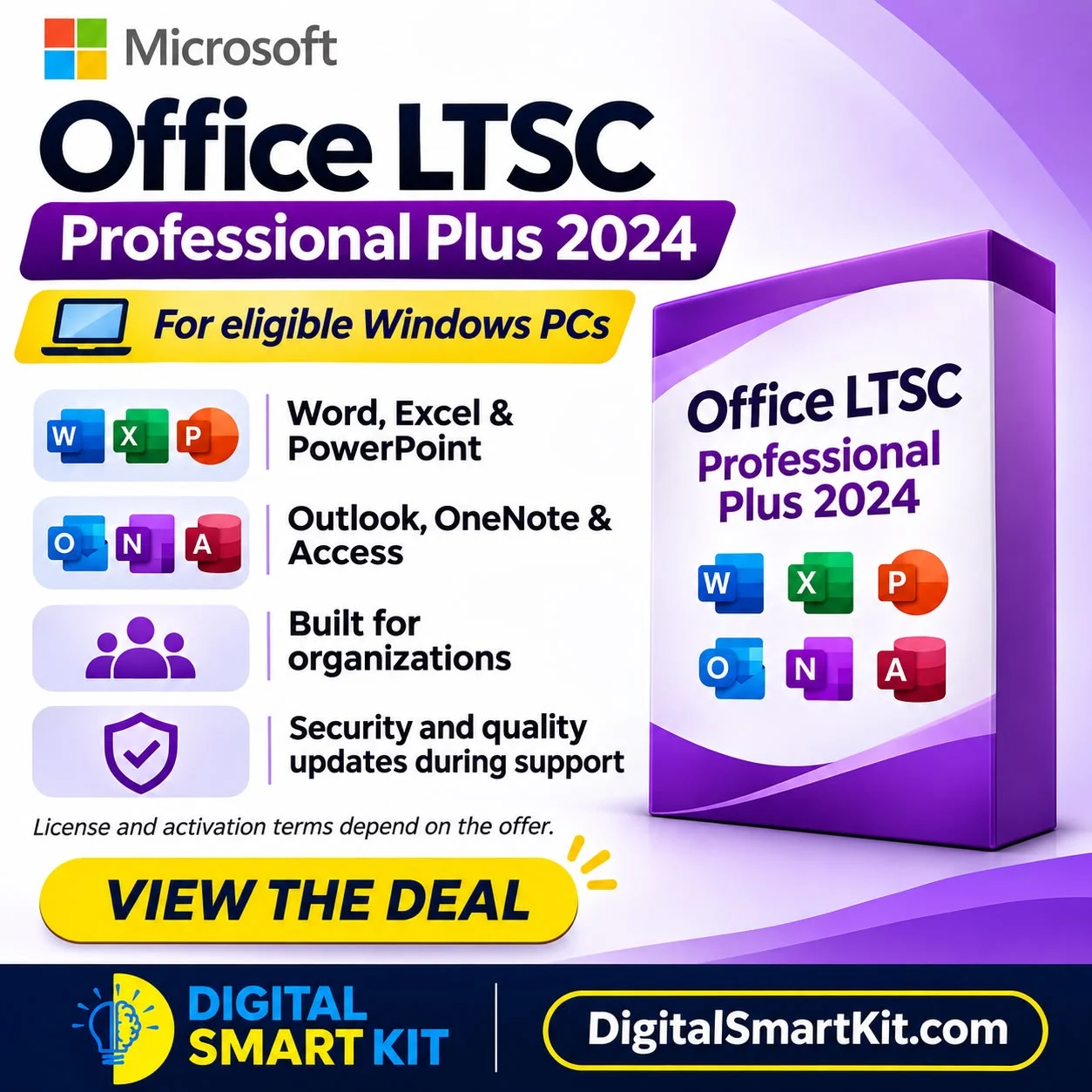
It is the most complete Office suite available without a subscription: six desktop apps for writing, numbers, presentations, email, notes and databases.
What is included
- Word 2024 for documents, reports, letters and CVs, with styles, tables, track changes, comments, mail merge and PDF export.
- Excel 2024 for spreadsheets, budgets and data, with formulas, PivotTables, charts, conditional formatting and dynamic arrays.
- PowerPoint 2024 for presentations, with designs, transitions, animations, Morph and recording.
- Outlook 2024 for email, calendar, contacts and tasks, working with Outlook.com, Gmail, Microsoft Exchange and other IMAP accounts.
- OneNote for typed, drawn and clipped notes organized into notebooks, sections and pages.
- Access 2024 for building desktop databases, forms, queries and reports.
What is new in the 2024 version
- Excel: dynamic charts that update with dynamic arrays, and newer functions such as TEXTSPLIT, TEXTBEFORE, TEXTAFTER, VSTACK, HSTACK, TAKE, DROP, CHOOSECOLS and IMAGE.
- PowerPoint: recording studio for narrated presentations with camera and pen, and session recovery that reopens what you were working on.
- Outlook: faster search and quicker meeting creation.
- Access: a date picker for the Date/Time Extended field and an improved SQL view.
- All apps: refreshed Office look, an Accessibility ribbon, and support for the OpenDocument (ODF 1.4) format.
Who it is for
- Small businesses and offices that want Outlook and Access as well as the core apps
- Anyone who prefers to pay once instead of paying for Microsoft 365 every month
- PCs that should stay on a fixed, stable version of Office
System requirements
| Operating system | Windows 11 or Windows 10 |
|---|---|
| Processor | 1.6 GHz or faster, 2 cores |
| Memory | 4 GB RAM (8 GB recommended) |
| Disk space | 4 GB free |
| Display | 1280 × 768 or higher |
| Graphics | DirectX 10 compatible |
| Internet | Needed to download, install and activate |
| Mac | Not supported. This edition is for Windows only. |
Good to know
- This is a desktop edition. Features that need a Microsoft 365 subscription, such as 1 TB of OneDrive storage and Copilot, are not included.
- Microsoft Publisher and Microsoft Teams are not part of Office LTSC 2024.
- Microsoft supports Office LTSC 2024 with security and quality updates until October 2029.
- License and activation terms depend on the offer.
How it is delivered
Digital delivery by email. Nothing is shipped. After your payment is confirmed you receive, at your order email address:
- Your product key for one Windows PC
- The official Microsoft download link for the installer, so you download it from Microsoft and not from a third-party site
- A step-by-step PDF guide covering download, installation and activation, with screenshots
Delivery is usually within a few hours and always within 24 hours. The email comes from Digital Smart Kit; check your spam or promotions folder if you do not see it.
Installing in 4 steps
- Uninstall any other version of Office on the PC (Settings → Apps), then restart.
- Download the Office LTSC Professional Plus 2024 installer from the official Microsoft link in your email.
- Run the installer and wait for Word, Excel and the other apps to finish installing.
- Open any app (Word, for example), enter your product key when asked, and it activates.
The PDF guide walks through each step, including what to do if activation asks you to sign in.
Frequently asked questions
Is this a subscription?
No. It is a one-time purchase. There is no monthly or yearly fee.
Can I install it on a Mac?
No. Office LTSC Professional Plus 2024 is for Windows PCs only.
How many PCs can I use it on?
One Windows PC per product key.
Will it get updates?
Yes. Microsoft sends security and quality updates until support ends in October 2029. It does not get the new features that Microsoft 365 subscribers receive.
I already have an older Office. Do I need to remove it?
Yes. Uninstall older versions of Office first so the new one installs and activates cleanly.
What if activation does not work?
Reply to your delivery email with a screenshot of the message you see, and we will help you get it working.


Reviews
There are no reviews yet.